All your content neatly gathered in a single workspace.
QUANTIFI onboarding
Create your QUANTIFI account
Fill out the form below to unlock your personal workspace, tailor settings, and access live market insights.
Account overview
What your signup grants you
A QUANTIFI account brings your materials together in one central hub, with controls to tailor your workspace and preferences.
Intuitive settings to customize your account area.
Accessible market views and activity records at a glance.
Registration information
A smooth, guided setup
Submit accurate contact details and review our guidelines before you finish your enrollment.
Secure access
Structured workspace
Transparent account views
What happens after you sign up with QUANTIFI
QUANTIFI is designed to be effortless. The following points outline what to expect after submitting the form on this page.
Fast, effortless setup
Creating your QUANTIFI account takes only moments. Complete the short form and you’re guided to the next step immediately.
Content tailored to you
After submission, QUANTIFI aligns your details with topics that matter to you so your feed stays relevant.
Your data stays protected
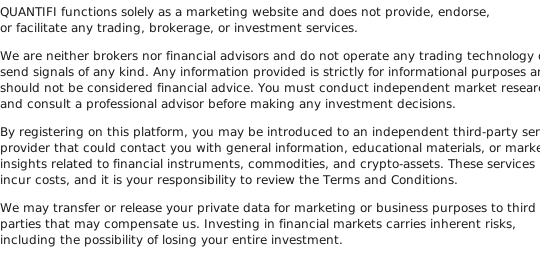
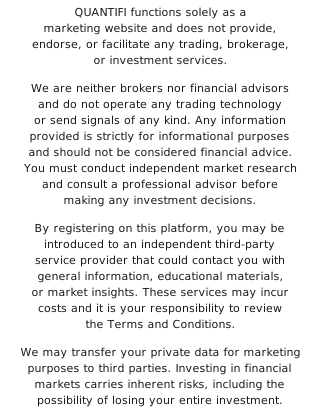
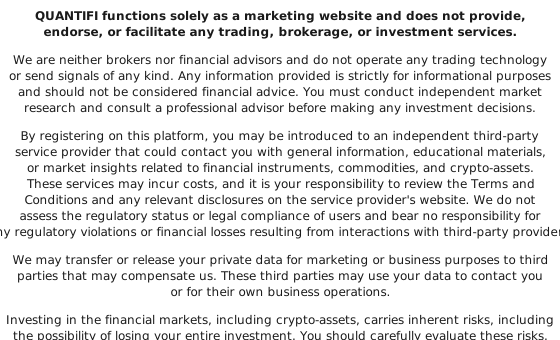
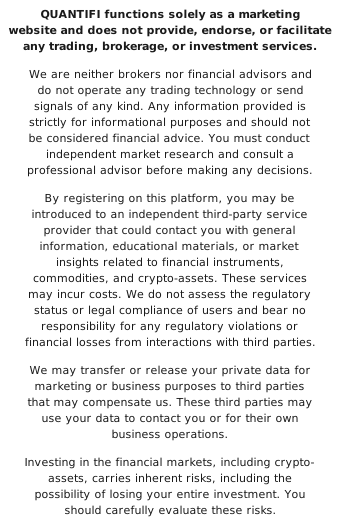
We adhere to modern security standards. Your information is used solely to provide the service and won’t be sold to third parties.
Frequently Asked Questions
What steps are needed to set up my account?
Just complete the quick form on this page. QUANTIFI will use those details to configure your profile and guide you forward.
How long does onboarding take?
Typically under a minute. The form asks for essential details only to get you moving.
Is there any cost to join?
Joining QUANTIFI is free. If there are optional paid features, you’ll be told clearly in advance.
What happens after I submit my details?
Your information is used to configure your account, and you’ll receive step-by-step guidance tailored to your situation.
Is my data kept private?
Absolutely. QUANTIFI protects your privacy with modern security practices. See the Privacy Policy for full details.
Can I delete my account later?
Yes. You can request removal at any time by reaching out through the contact channels listed in the site footer.